
How to convert DVD movies to WMV for Pocket PC? This artical will give you the detail tips on how to convert DVD to Pocket PC video format WMV, AVI and the easy way to put movie on Pocket PC with DVD to Pocket PC Converter. After these simple jobs, you can joyfully enjoy your DVD movies on the Pocket PC.
Let's take the windows version as an example (Mac version can operate in the same way) as follows:
Step 1 Download DVD to Pocket PC Converter
Please download DVD to Pocket PC Converter; you can know more about it by visiting here https://www.4videosoft.com/dvd-to-pocket-pc-converter.html
Step 2 Load DVD movies converts to Pocket PC WMV
Then install and run DVD to Pocket PC Converter. Load your DVD into the program: Please click "Load DVD" button You also can click "Load IFO file" button to import IFO file from your computer hard disk.
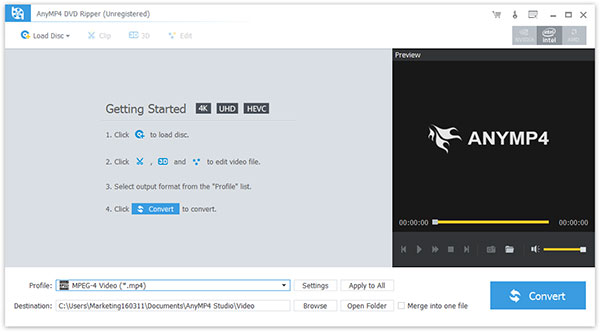
Step 3 Select the chapters you want to convert.
Highlight the title which contains the whole episodes of DVD. Or if you like, you can select certain chapters to convert.
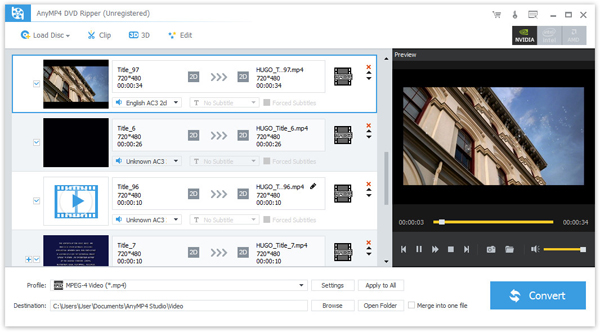
Step 4 Select the output format-wmv, you can see the following interface.

Step 5 Start to convert DVD.
After all things done, click "Convert" to start conversion.

 Free Download
 Free Download


