
User Review (4)  Go to Mac ->
$25.00 $12.50 50% OFF
All-in-one DPG Converter to convert video to DPG format
Speaking of the NDS, game zealots must be very excited. Now 4Videosoft brings you a wonderful DPG Video Converter app to help you enjoy your favorite movies on NDS with no limitation. This DS Video Converter is able to convert any video file to your desired video format like DPG with 100% original video quality.

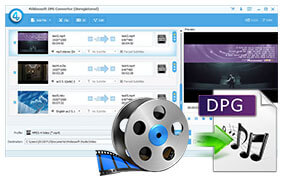
DPG Converter is regarded as the most trustworthy DPG Conversion software. It's the considerate assistant of NDS fans to help them enjoy their favorite movies on much-loved NDS. Any video file like AVI, MP4, FLV, WMV, MKV, MXF, MTS and some HD videos like HD AVI, HD MP4, HD TS, HD MOV can also be converted to DPG and any popular video format with zero quality loss. In addition, you're able to take out audio files from the videos and convert them to MP3, M4A, OGG, FLAC, AAC, AC3, etc. After you complete the video to DPG conversion, you can not only play games with NDS, but also have a great time to watch your preferred movies.
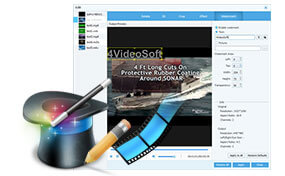
Apart from the video/audio conversion, this video to DPG Converter can work as the video editing tool. The Effect function enables you to adjust the video effect like Brightness, Contrast, Saturation, Hue and Volume according to your preference. With Crop function, you can modify the video frame to meet your needs. Besides, Trim function allows you to get rid of your unwanted video part; Watermark function guarantees you a colorful video. These creative and flexible video editing features make it possible for you to get an ideal output video.
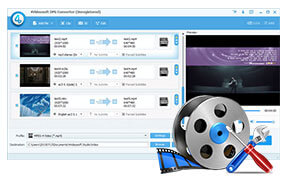
With this multifunctional DPG Video Converter, you're allowed to modify the video and audio settings at will. For the video settings, you can adjust the Encoder, Frame Rate, Resolution, Aspect Ratio and Video Bitrate for a better video effect. In addition, the audio settings like Encoder, Sample Rate, Channels and Audio Bitrate are adjustable if you like. When you complete the conversion, you'll have a grand visual feast with your portable NDS and other multi-media players like Nokia, Galaxy S4, iPhone, iPad, iPod, Sony Walkman, BlackBerry and more.
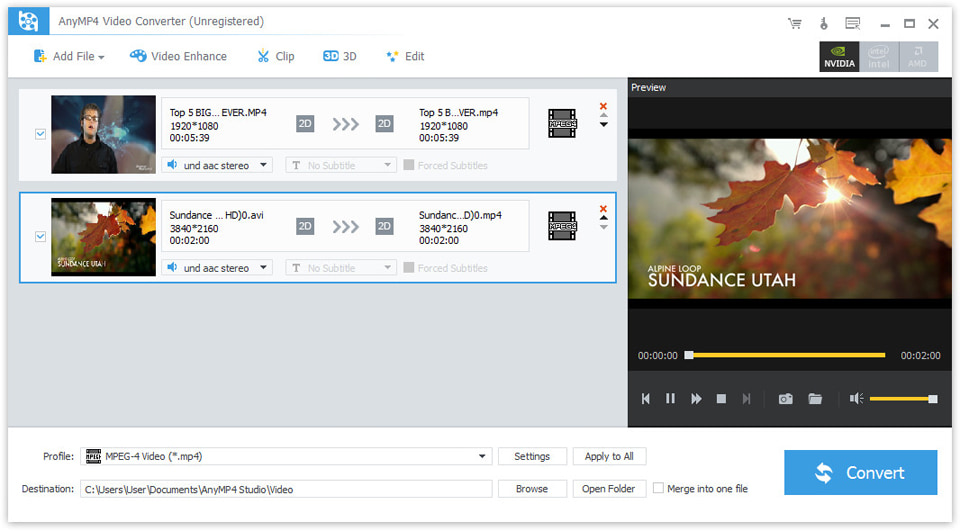
The professional DS video converter is also very easy-to-use. On one hand, it supports batch conversion, which ensures you to get multiple deferent video formats at one time; on the other hand, it adopts advanced acceleration technology to greatly save your time. What's more, with the built-in player, this DPG Converter enables you to preview the source and target video effect at same time. To conclude, DPG Video Converter is the world-class converter. It will offer you the excellent user's experience.
Screenshot
Tutorials & Articles
Our Users Are Also Downloading
 Video Converter Ultimate
Rip homemade DVD and convert videos to other formats.
Free Download Buy Now DVD Creator
Provides the best solution to convert any video format to DVD disc, DVD folder and ISO file.
Free Download Buy Now Blu-ray Player
Play Blu-ray movies including Blu-ray discs, Blu-ray folder and ISO file on PC.
Free Download Buy Now



