
Now, more and more people revel in fashionable gadget, such as ipod, iphone, zen, zune, psp…We could hold one for basic usage, but we can't make full use of it. In the following text, I will share my experience to iphone fans to show how to make your own ringtones.
What you need?
Software: iPhone Ringtone Maker
OS Supported: Windows 8, Windows 7, Windows XP (SP2 or later), Windows Vista
Hardware Requirements: 800MHz Intel or AMD CPU, or above; 512MB RAM or more
Step 1 Download and install iOS Transfer
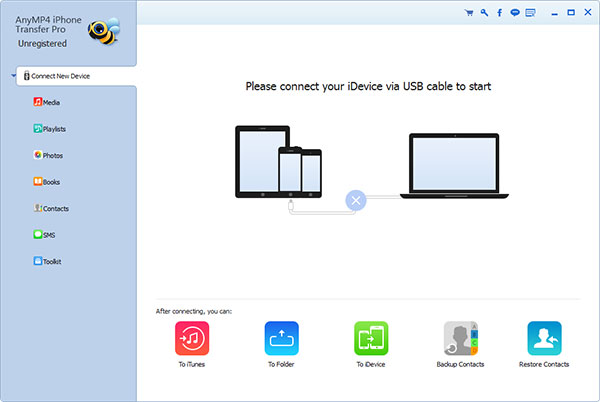
Step 2 Click "Add File" to import the file(audio or video file) that you want to make ringtone from it.
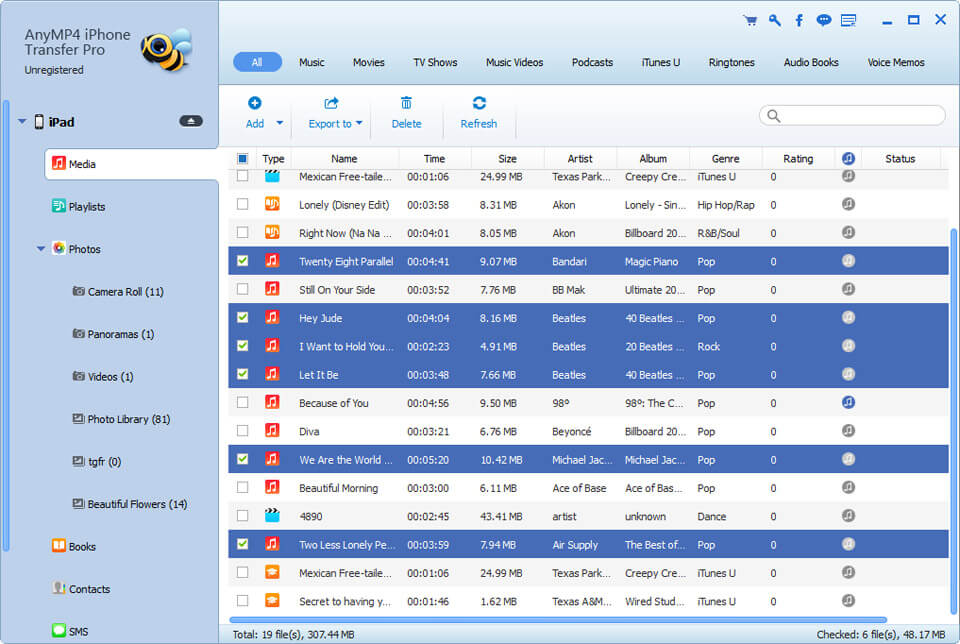
Step 3 Click Episode button to listen the music to find what you want as ringtone
Area 1: Drag the start & end slider to set your wanted episode.
Area 2: Type the start & end time in the corresponding text box directly to get the exact episode.
Step 4 Click the "Convert" to rip your DVD. Then you can import the converted file to your player easily.
Step 5 Browse: Click here to choose the output destination.
Tip: Check "Add to iPhone" option, the converted ringtone will be loaded to your iPhone directly.
Step 6 After all the settings are finished, click "Generate" to begin making your own iPhone ringtone.
All the process had been finished, enjoy your music when your phone rings!

 Free Download
 Free Download


