
User Review (4)  Go to Mac ->
$25.00 $12.50 50% OFF
Convert All Video Files to Mobile 3GP/MP4
All-in-one Mobile Video Converter lets you convert video MXF, MTS, WMV, MOV, VOB, FLV, etc. to 3GP/MP4 for different mobile phones like iPhone, Samsung, BlackBerry, Nokia, Motorola, Palm and other Android/Windows mobile phones.

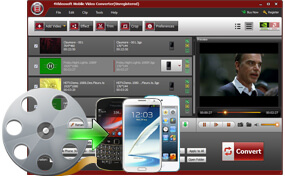
Each mobile phone has its limited video/audio format. To play all the video files on your mobile phone like iPhone, Samsung, BlackBerry, Nokia, Motorola, Palm and more, Mobile Video Converter can help you convert any popular video like MXF, MTS, MOV, WMV, MP4, TS, VOB, SWF, FLV, HD videos, etc. to mobile phones supported 3GP/MP4 or other video/audio formats. With one conversion, various video files added to this program can be converted to mobile phone video without any loss.
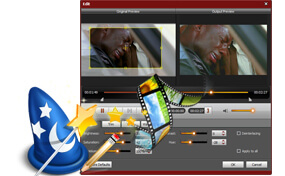
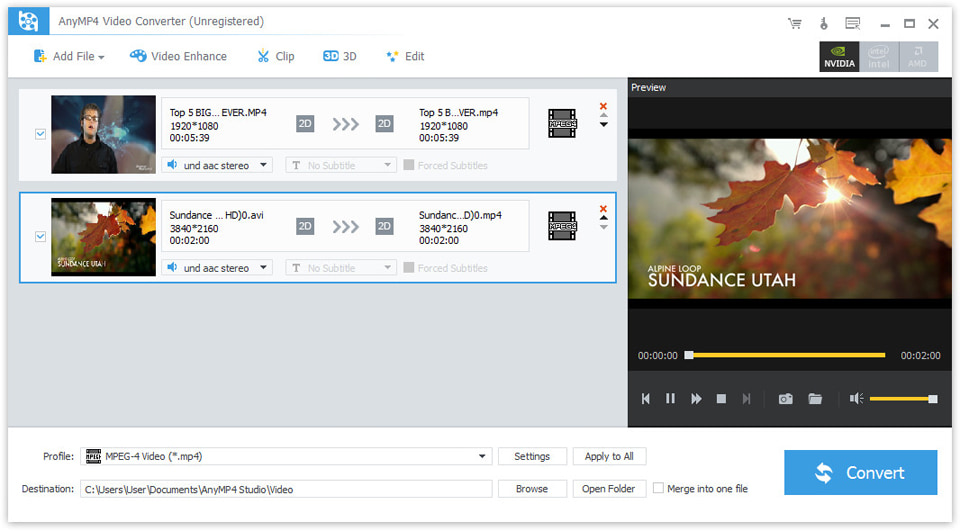
Mobile Video Converter comes with versatile video editing features like trim, crop, effect, merge, watermark, etc. to help you personalize the added video to get any part with any effect for your need. All these smart functions enable you to remove the black bars, change video brightness/contrast/saturation/hue, clip any video segment and add text/image watermark.
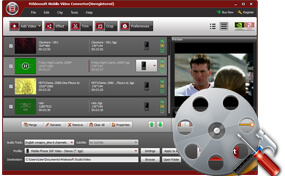
Variety of video parameters like Encoder,Frame Rate, Resolution, Aspect Ratio and Bitrate as well as audio parameters including Encoder, Sample rate, Channels and Bitrate are provided with this professional mobile converter program so as you can get the proper video for your mobile. And you can put your own value of resolution and aspect ratio.
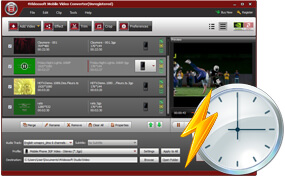
With advanced NVIDIA® CUDA™ and AMD technologies, Mobile Video Converter ensures you the totally accelerated video converting speed. Its high performance bring you the lossless SD/HD video converting quality as the original ones. The built-in player give you the real-time preview of the video. There are four interface language including English, French, German and Japanese, which is convenient for users from different language regions.
Screenshot
Tutorials & Articles
Our Users Are Also Downloading
 Video Converter Ultimate
Rip homemade DVD and convert videos to other formats.
Free Download Buy Now DVD Creator
Provides the best solution to convert any video format to DVD disc, DVD folder and ISO file.
Free Download Buy Now Blu-ray Player
Play Blu-ray movies including Blu-ray discs, Blu-ray folder and ISO file on PC.
Free Download Buy Now



