
This AVI to MP4 Converter is to convert your video files in AVI to MP4 format. Thus with this AVI to MP4 converter, you can easily play and enjoy movies, games, and videos on your iPod, iPhone, Apple TV, PSP, PS3, etc. Moreover, this MP4 converter has many powerful editing functions, like video effect, trimming, cropping for a dimension of your player screen, etc. All you need is to finish the small tips. The tips below will tell you how to step by step convert AVI to MP4 with the powerful AVI to MP4 video converter software.
What you need?
Software: MP4 Converter
OS Supported: Windows 8, Windows 7, Windows XP (SP2 or later), Windows Vista
Hardware Requirements: 800MHz Intel or AMD CPU, or above; 512MB RAM or more
Step 1 Load AVI video
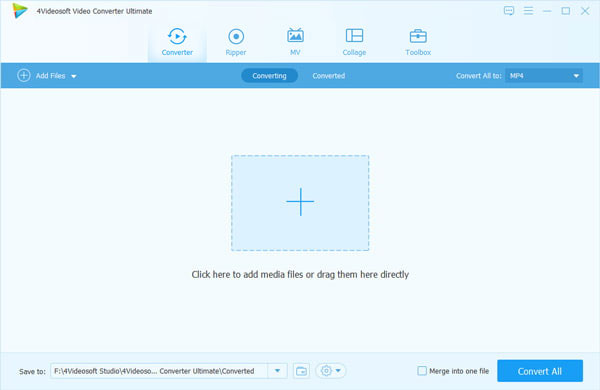
To load AVI video, click File – Add file. You can choose one video or more each time at will with the multiple conversion capability.
Step 2 Select MP4 as output video format
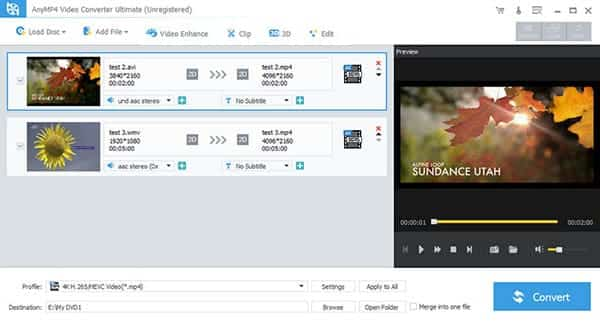
Select MP4 as output video format
Define the output path by clicking the Browse button, you can then name the output file as you like.
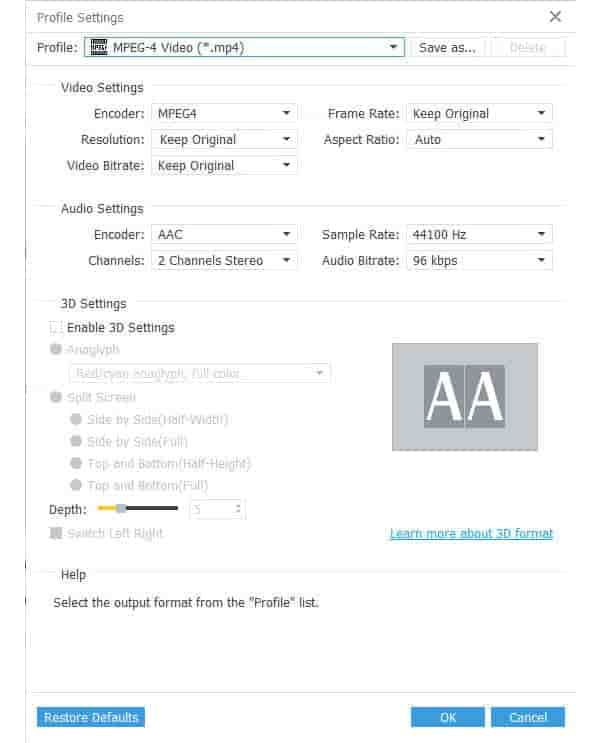
Tune settings for the output video/audio
For more settings, click Setting button to tune the video/audio parameters like frame rate, bit rate, resolution, etc.
Step 3 Start conversion
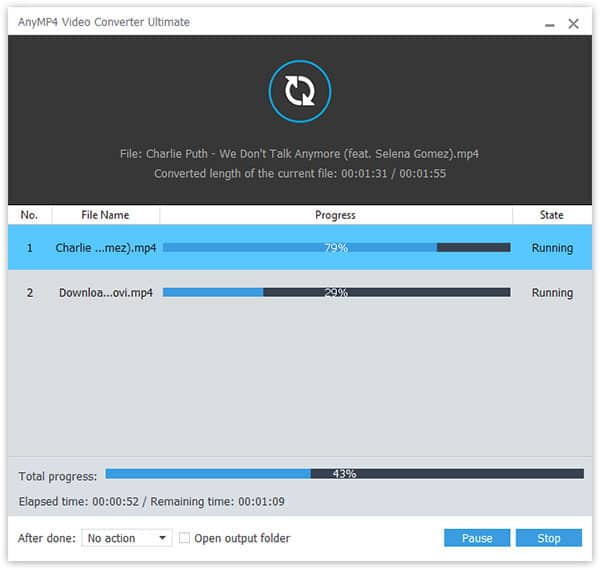
After all the steps above, click Convert button to feel the fast conversion speed.

 Free Download
 Free Download


