
MPEG to MOV Converter enables users to convert MPEG to MOV in order to play videos of Wii unsupported format. The MPEG to MOV Converter is such one powerful software that both converting videos to MOV or Wii AVI and editting these video before converting can be realized with this single MPEG to MOV Converter.
What you need?
Software: Wii Video Converter
OS Supported: Windows 8, Windows 7, Windows XP (SP2 or later), Windows Vista
Hardware Requirements: 800MHz Intel or AMD CPU, or above; 512MB RAM or more
Step 1 Add MPEG videos from "Add Video"
Free download MPEG to MOV Converter and run it. Then you can see the running software like this:
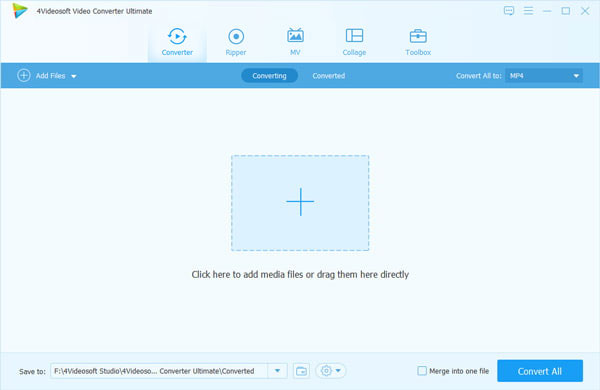
The "Add Video" button is provided to help you add MPEG video quickly.
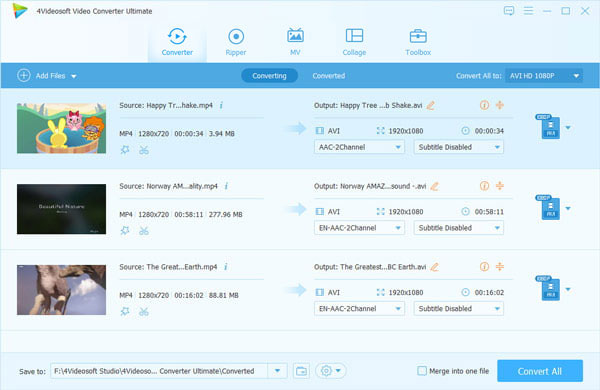
Step 2 Choose MPEG format from "Profile"
Choose MPEG from the drop-down list of "Profile". You can also set the destination for the output videos from "Browse".
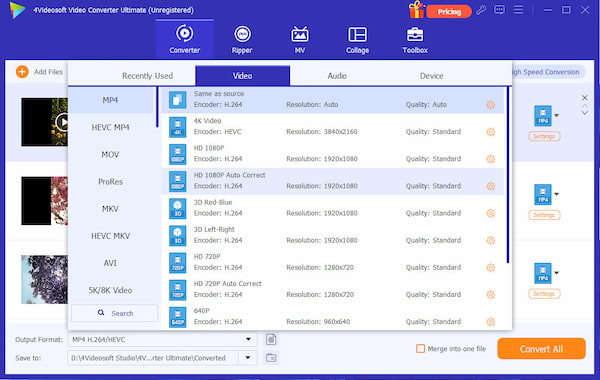
Step 3 Edit Video or adjust Settings (optional)
You can edit video by clicking "Edit" or click the shortcut edit buttons of "Trim", "Crop", "Effect". Many detailed parameters are provides for you to set in your own way. Take "Merge" for example:
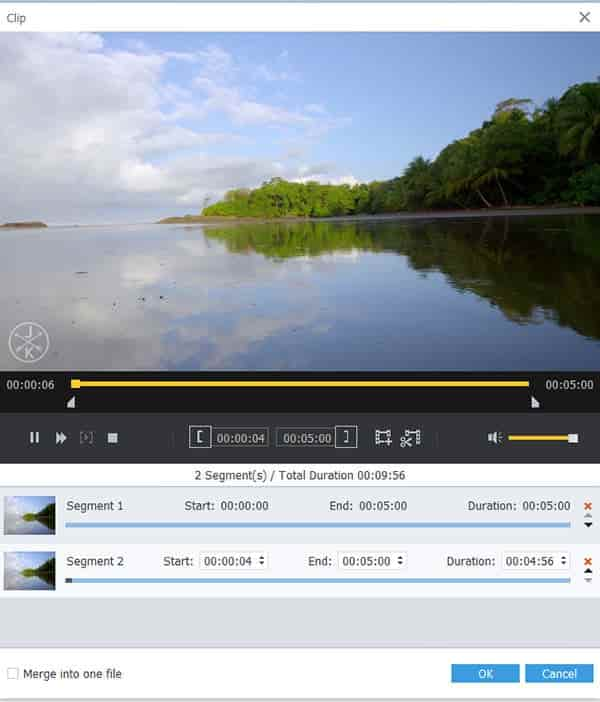
Step 4 Convert Videos with "Convert"
The "Convert" button can be clicked to convert MPEG to MOV.

 Free Download
 Free Download


