
MPEG to AVC Converter, as one special AVC Converter, mainly caters to the needs of users who desired to convert MPEG videos to AVC. MPEG to AVC Converter enables users to convert many video formats to AVC. Besides, this MPEG AVC Converter can also extract audio from video and snapshot striking pictures to share. Moreover, it can also be users as one AVC editor to edit videos with trimming, cropping, merging, renaming and so on.
What you need?
Software: AVC Converter
OS Supported: Windows 8, Windows 7, Windows XP (SP2 or later), Windows Vista
Hardware Requirements: 800MHz Intel or AMD CPU, or above; 512MB RAM or more
Step 1 Add MOV files
Free download MPEG to AVC Converter and launch and run it, and you will such a striking interface:
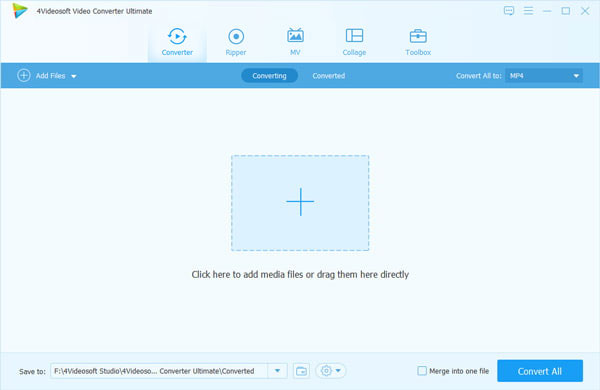
Click "Add Video" button to add MPEG video to the MPEG to AVC Converter or click "File">> "Add File"; to add videos.
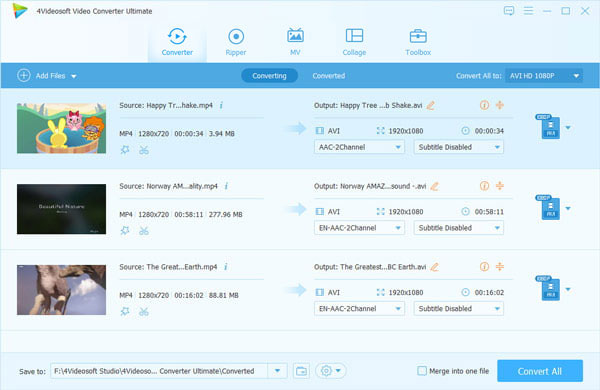
Step 2 Choose output format
Choose AVC from the "Profile" drop-down menu.
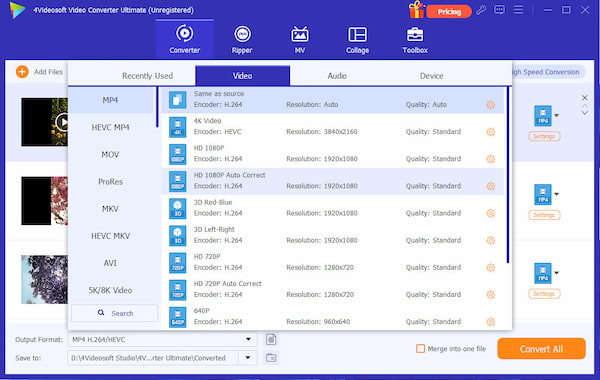
Step 3 Convert MPEG video to AVC
Click the "Convert" button to convert MPEG video to AVC format.

 Free Download
 Free Download


