
To convert unpopular video formats to general-used video format is the mission of video converters. MPG to MP4 Converter is one good example. This MP4 Converter overtakes the assignment to convert MPG to MP4 without any fidelity lost. Apart from converting videos to MP4 format, this MPG to MP4 Converter allows users to edit videos fully and preview videos before convert.
What you need?
Software: MP4 Converter
OS Supported: Windows 8, Windows 7, Windows XP (SP2 or later), Windows Vista
Hardware Requirements: 800MHz Intel or AMD CPU, or above; 512MB RAM or more
Step 1 Add MPG videos to the converter
Free download MPG to MP4 Converter and run it and you will see one the main interface of this converter show up like this:
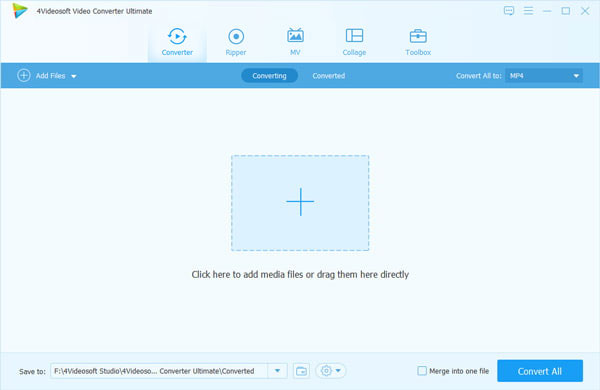
You can add videos via these two icons: "Add Video" or "File >> Add File". When your files added, you can see all the info about it on the left column.
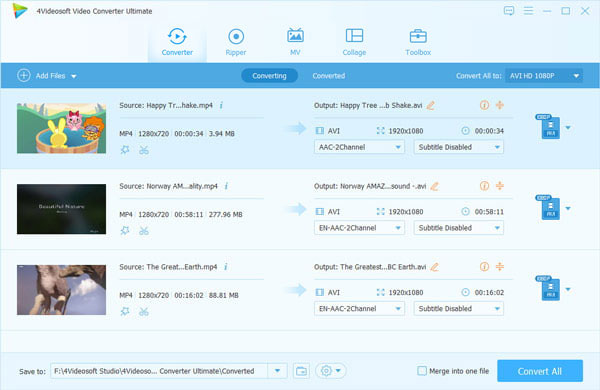
Step 2 Choose output format and folder
"Merge" videos need to be combined, "Rename" videos not correct, "Delete" videos not need. And choose output format from "Profile" and output path from "Browse".
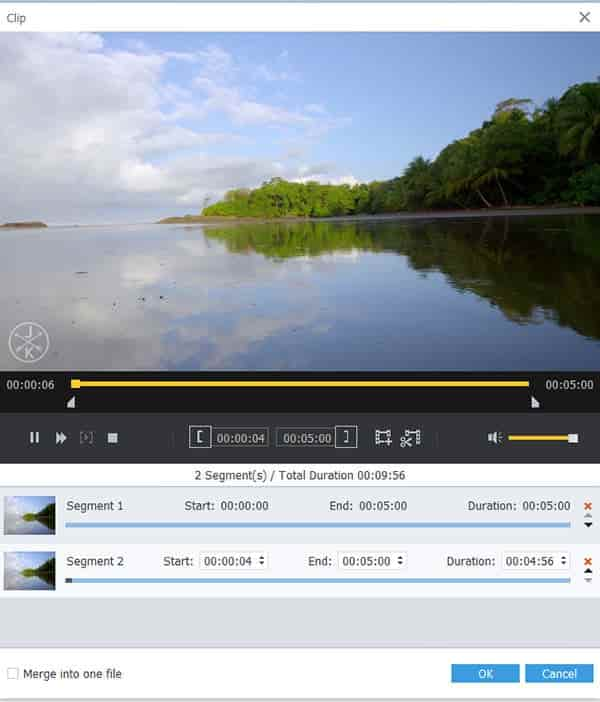
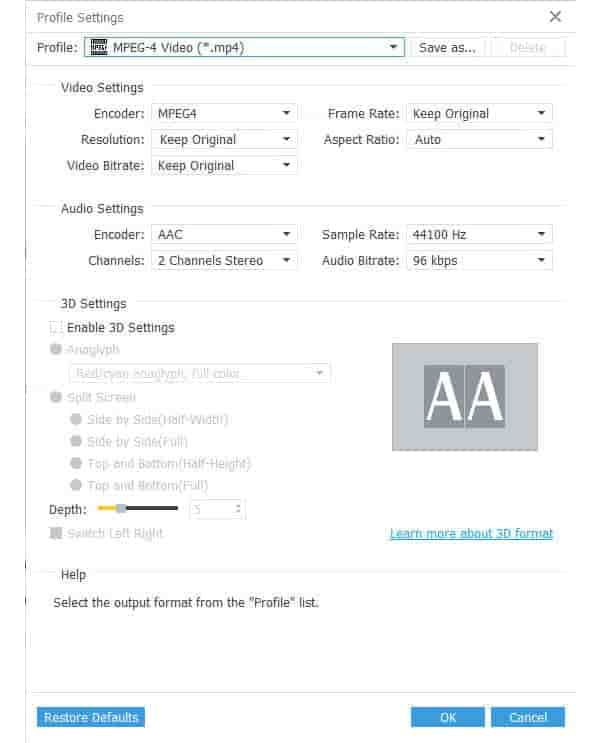
Tips: You can also choose the value or parameters by clicking "Settings".
Step 3 Convert MPG video to MP4
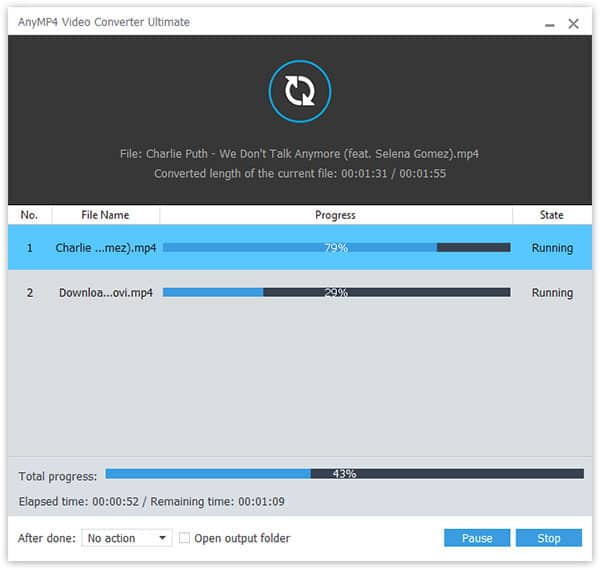
Click the "Convert" button to convert MPG video to MP4 format.

 Free Download
 Free Download


