
TS file format is not supported by common media player. So it is needed to change into another popular file format that can be used by everyone. To overcome this issue, TS converter is your must-have because it is an all-in-one solution for TS file conversion. It also performs as TS to WMA audio converter to easily and quickly convert TS to WMA by clicking a few buttons.
Software: 3D Converter
OS Supported: Windows 8, Windows 7, Windows XP (SP2 or later), Windows Vista
Hardware Requirements: 800MHz Intel or AMD CPU, or above; 512MB RAM or more
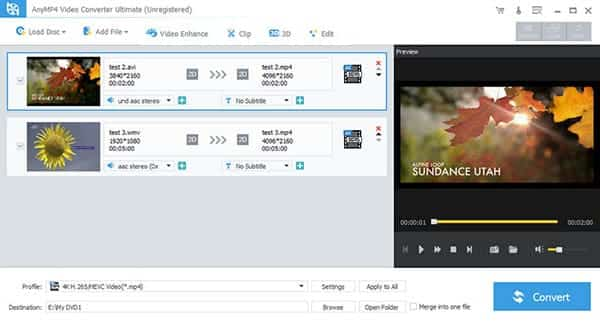
Step 1 Load TS video
Launch the TS to WMA conversion tool, drag and drop the TS clips to the program or click "Add file" button to load TS/MTS/M2TS files.
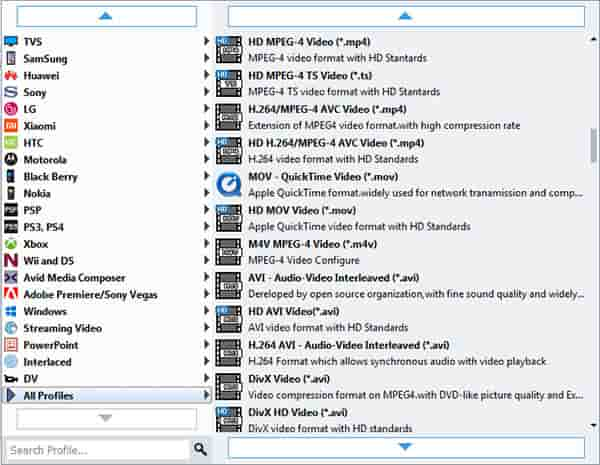
Step 2 Set output for TS files and save
To set the folder where you want to save your target file, you may select the Output folder by clicking the "Browse" button. Click Profile drop-down list to set output as WMA audio.
Step 3 Convert TS to WMA
Now you can click "Convert" button to start TS to WMA conversion. Fast conversion speed!
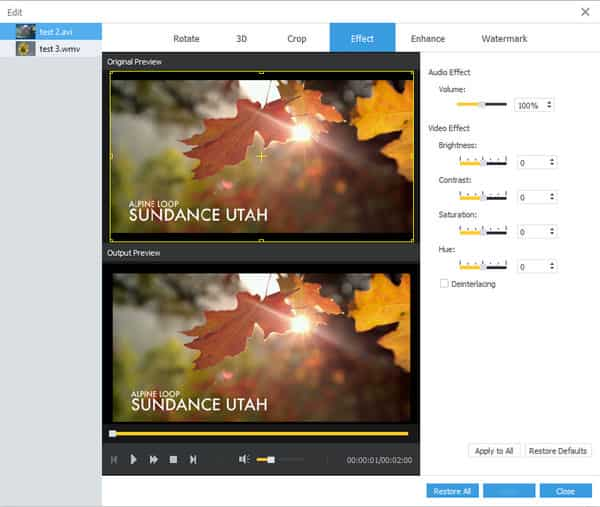
1. Adjust effect: Drag scissors below the Preview Windows to mark the beginning and ending of your clip when you preview to get what you want WMA clips.
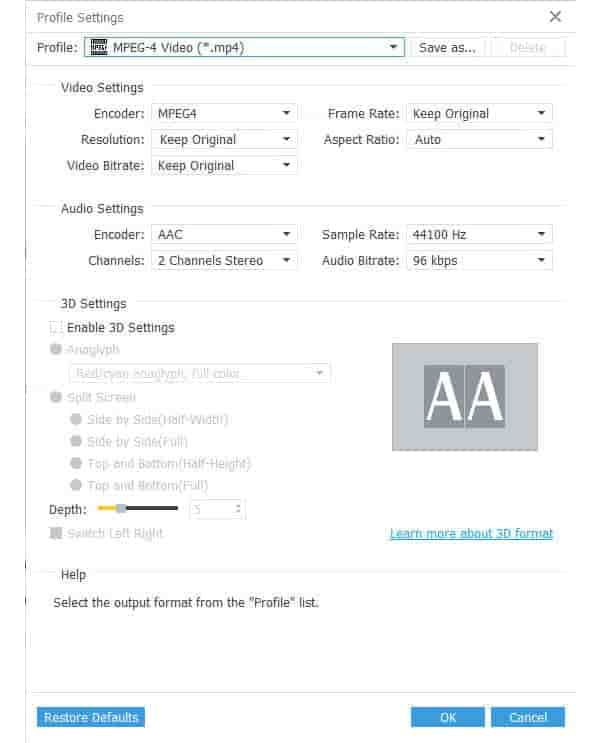
2. You have set different properties and check them here:

 Free Download
 Free Download


