
User Review (3)  Go to Win ->
$31.20 $15.60 50% OFF
iPhone Transfer for Mac, best Mac iPhone Transfer, provides the solution to transfer iPhone video, audio, photo, etc. file to Mac and transfer files to iPhone. With Mac iPhone Transfer Platinum, you can more files, like TV shows, podcast, iTunes U, ePub, PDF, audio books, SMS and contacts.
The multifunctional Mac iPhone Transfer can also be used to convert DVD and video file to iPhone 15/14/13/12/11 and other Apple devices. You can edit the video effect and make iPhone ringtone with this iPhone Transfer for Mac users.

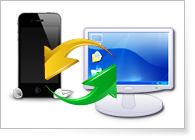
iPhone Transfer for Mac enables you to transfer iPhone files to Mac and iTunes directly.
You can use this Mac iPhone Transfer software to transfer files to iPhone from Mac.
When you connect different Apple devices to Mac, iPhone Transfer for Mac can help you transfer files between these devices.
This iPhone Transfer for Mac can also backup iPhone SMS and contacts to Mac.
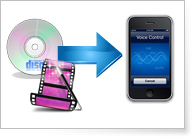
This iPhone Transfer for Mac provide the ability to convert any popular DVD and video file to iPhone.
The powerful editing features assist you to optimize the video effect perfectly.
The converted files can be saved into "My Cache" first. Then you can transfer them to iPhone any time.
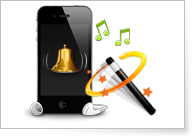
With this Mac iPhone Transfer, you can create iPhone M4R ringtone from videos, audios, concert recordings, MTV albums, and DVDs.
You can also edit the iPhone ringtone to get the personalized one for your iPhone.

This iPhone Transfer for Mac can discern your iPhone properties after you connect your iPhone to Mac, including the iPod type, capacity (used and available space), version, serial number, and format.
You can edit the ID3 information of your iPhone, like name, artist, album, track number, lyrics, etc.
When the iTunes database of your iPhone is damaged, this Mac iPhone Transfer can help you repair the device.
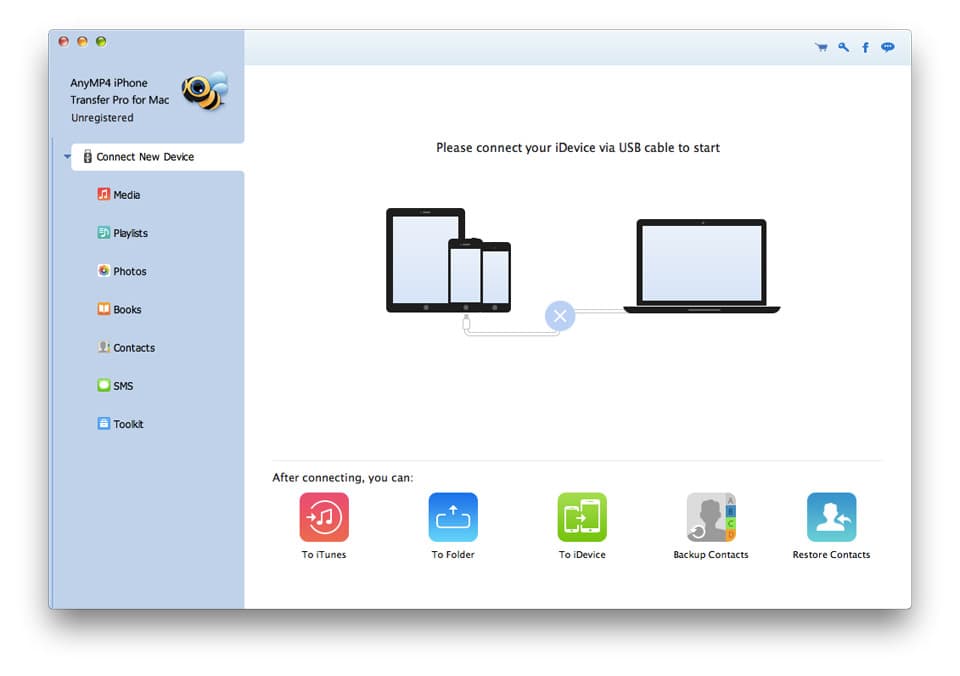
The iPhone Transfer for Mac can count the file you select to transfer, and shown the result at the bottom of the interface.
Screenshot
Reference
Processor: Intel® processor and M1&M2 chip
OS Supported: Mac OS 10.12 (Sierra) or later (including macOS Sonoma)
Hardware Requirements: 512MB RAM, Super VGA (800×600) resolution, 16-bit graphics card or higher
| Support Devices | |
| iPhone 15/15 Plus/15 Pro/15 Pro Max, iPhone 15/15 Plus/15 Pro/15 Pro Max, iPhone 14/14 Plus/14 Pro/14 Pro Max, iPhone 13/13 Pro/13 Pro Max/13 mini, iPhone 12 Pro Max/12 Pro/12/12 mini, iPhone 11 Pro Max/11 Pro/11, iPhone XS/XS Max, iPhone XR/X, iPhone 8/8 Plus, iPhone 7/7 Plus, iPhone 6s, iPhone 6s Plus, iPhone 6, iPhone 6 Plus, iPhone 5S, iPhone 5C, iPhone 5, iPhone 4S, iPhone 4, iPhone 3GS iPad Pro, iPad mini 2, iPad Air, iPad mini, iPad with Retina display, the new iPad, iPad 2, iPad 1, iPod touch 7/6/5/4/3/2/1 |
Our Users Are Also Downloading
 iOS Data Recovery for Mac
Recover Data from iOS devices and iTunes and iCloud backup on Mac.
Free Download Buy Now Android Data Recovery for Mac
Recover deleted contacts, text messages, call log from Android phones on Mac.
Free Download Buy Now Video Converter Ultimate for Mac
Rip homemade DVD and convert videos to other formats on Mac.
Free Download Buy Now iOS System Recovery for Mac
Fix these issues and get your iPhone back to normal condition.
Free Download Buy Now


