
WMV to AVC converter program surely can convert WMV video to AVC at ease. It also can convert other popular formats to AVC such as convert AVI, MOV, MP4 and more to AVC files with excellent quality.
WMV to AVC converter software enables you to convert as many as video files you like at one time and edit your video through Trim, Crop, Effect, Watermark etc.
This article is mainly about how to convert WMV to AVC with several intuitive steps.
Software: 3D Converter
OS Supported: Windows 8, Windows 7, Windows XP (SP2 or later), Windows Vista
Hardware Requirements: 800MHz Intel or AMD CPU, or above; 512MB RAM or more
Step 1 Import WMV files
Add the WMV videos you'd like to convert by clicking "Add file" button in the main interface or select 'Add file' in the "File" drop down menu.
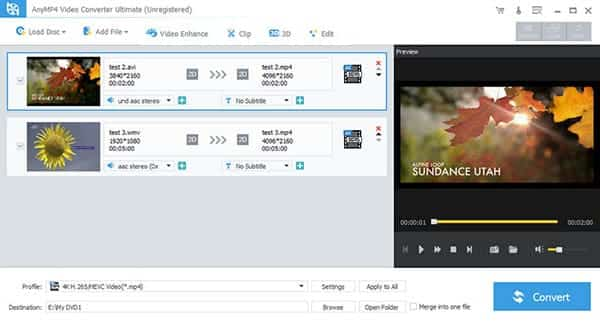
Step 2 Choose destination
Find AVC video as your output format. If you like, select the output folder by clicking the "Browse" button or directly use the default folder.
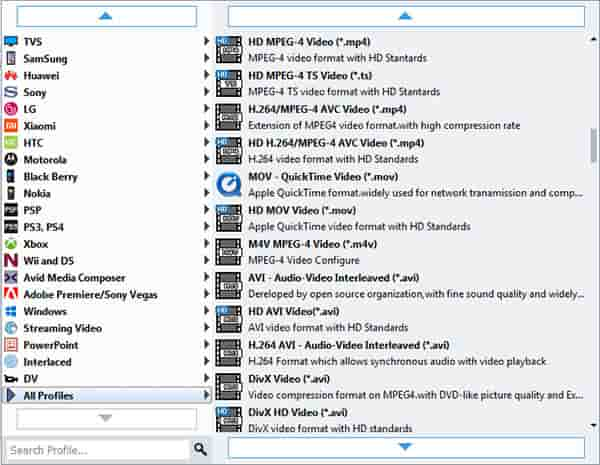
Step 3 Start conversion
Click "Start" to start the conversion. During the process of conversion, you can "Pause" and "Stop" it at anytime if you click certain buttons.
Additional
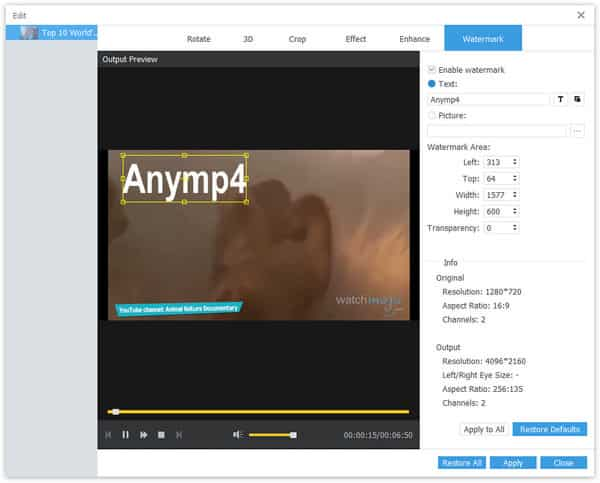
Watermark
Text
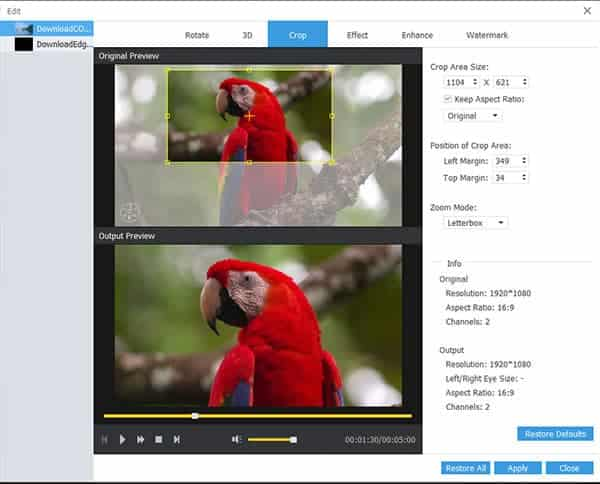
Crop

 Free Download
 Free Download


