User Review (4)  Go to Win ->
$25.00 $12.50 50% OFF
Professional Mac WMV Video Converter to convert video to WMV on Mac
WMV Video Converter for Mac is the trustworthy WMV Video Converter, which assists you to convert almost all videos to WMV effortlessly.

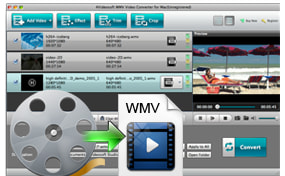
If you encounter some incompatibility problem when trying to play the video file with media players, you come to the right place. WMV Video Converter for Mac is the total video to WMV Converter, which allows you to convert any video like MKV, AVI, M4V, FLV, 3GP, MOV, MXF, MTS, M2TS, etc to WMV on Mac without any limitation. What's more, the HD videos like HD TS, HD MOV, HD AVI, etc can be converted to WMV to meet your needs. With fantastic WMV Converter for Mac software, you can fully enjoy the modern multimedia life.
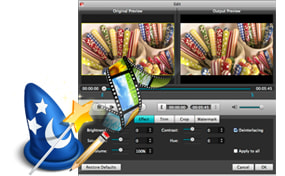
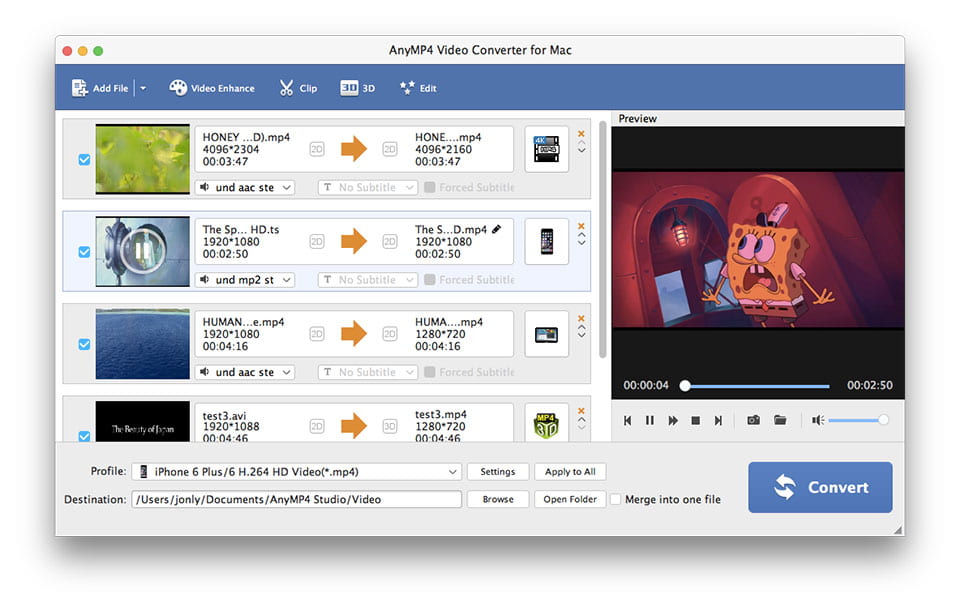
Besides the powerful converting functions, it's a video editing tool to guarantee you an ideal output video. In the Effect editing window, you're entitled to adjust the video effect, including Brightness, Contrast, Saturation, Hue and Volume. In addition, Trim function enables you to get rid of your undesired video part; with Crop function, it's pretty easy to adjust the video frame to perfectly match with your media player. Watermark function allows you to add text/image watermark to enrich your video. All in all, this Mac WMV Converter will make a satisfying video for you.
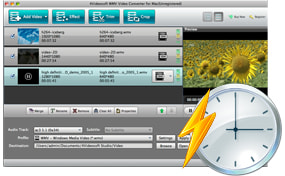
This multifunctional WMV Video Converter is capable of adjusting the output video and audio settings. For the video settings, you're free to adjust the Encoder, Frame Rate, Resolution, Aspect Ratio and Video Bitrate. Additionally, the audio settings like Encoder, Sample rate, Channels and Audio Bitrate according to your preferences.
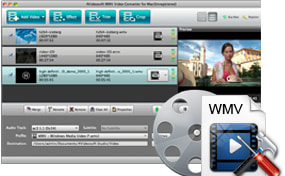
Don't take it granted that the only professional technologist is able to use this Mac WMV Video Converter. Even a person without much computer knowledge can use it with ease. With the initial and simple design, you're able to convert videos to WMV on Mac with a few clicks. This amazing WMV Converter for Mac supports batch conversion, which allows you to get different video formats at one time. The super fast speed and extraordinary video quality will make the top-ranking Video Converter.
Screenshot
Tutorials & Articles
Our Users Are Also Downloading
 Video Converter Ultimate for Mac
Rip homemade DVD and convert videos to other formats on Mac.
Free Download Buy Now DVD Creator for Mac
Provides the best solution to convert any video format to DVD disc, DVD folder and ISO file on Mac.
Free Download Buy Now Blu-ray Player for Mac
Play Blu-ray movies including Blu-ray discs, Blu-ray folder and ISO file on Mac.
Free Download Buy Now