User Review (4)  Go to Win ->
$25.00 $12.50 50% OFF
Convert All Video Files to 3GP on Mac
Excellent Mac 3GP Converter is free for download to convert any video AVI, FLV, MP4, etc. to 3GP video for Mac users.

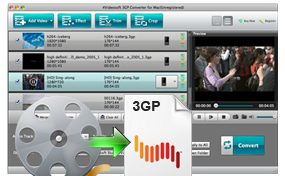
As the special Mac 3GP video converter, 3GP Converter for Mac can easily convert all popular SD and HD video like AVI, FLV, MP4, MKV, MXF, MTS, MOV, WMV, AVC, etc. to 3GP on Mac. The converted 3GP video can be put on your mobile device including BlackBerry, LG, Nokia, Motorola, Samsung, etc. Also you can convert the added video to MP4, MOV, WMV, etc. for Samsung Galaxy S/Note and other players supported MP4 video. Extracting audio music AAC, MP3, WAV, etc. from video files is also available with this amazing 3GP video converter for Mac.
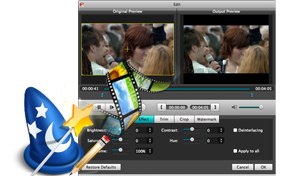
If you want to customize the output 3GP video for your need, you can edit the source video before converting. This 3GP converter for Mac users allows you to adjust the video brightness, contrast, saturation, hue, volume, play screen, time-length and so on for a better view effect. Also you can add text or image watermark to the 3GP video for your need.
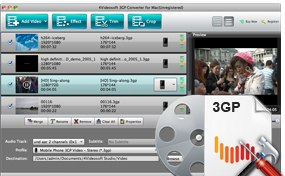
To further optimize the output 3GP video, 3GP Converter for Mac provides various video and audio parameters for you to choose the ones fit your player. The parameters include Video Encoder, Frame Rate, Resolution, Aspect Ratio, Video Bitrate, Audio Encoder, Sample Rate, Channels and Audio Bitrate. AS for the Resolution and Aspect Ratio, you are enabled to input your own value.
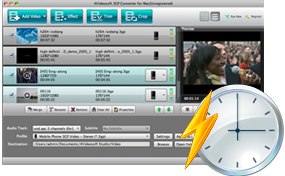
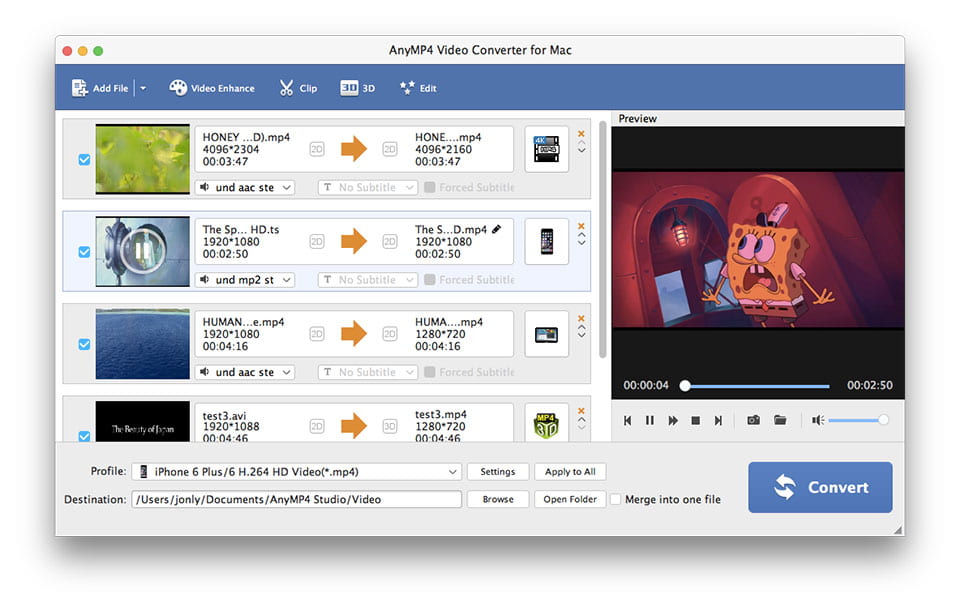
With the intuitive interface, this 3GP Converter for Mac bring you the easy-to-use and user-friendly video to 3GP conversion experience on Mac. And the built-in player helps you preview the video and take snapshot of the favorite scene. Super-fast 3GP video converting speed is high above your imagination.
Screenshot
Reviews
Tutorials & Articles
Our Users Are Also Downloading
 Video Converter Ultimate for Mac
Rip homemade DVD and convert videos to other formats on Mac.
Free Download Buy Now DVD Creator for Mac
Provides the best solution to convert any video format to DVD disc, DVD folder and ISO file on Mac.
Free Download Buy Now Blu-ray Player for Mac
Play Blu-ray movies including Blu-ray discs, Blu-ray folder and ISO file on Mac.
Free Download Buy Now