User Review (4)  Go to Win ->
$25.00 $12.50 50% OFF
Best Mac AVI Converter to Convert Video to AVI on Mac
With this AVI Converter for Mac, all the popular video like MP4, WMV, MXF, MTS, M2TS, MKV, MOV, 3GP, FLV, SWF, etc. are acceptable to convert to AVI video on Mac keeping the original video quality.

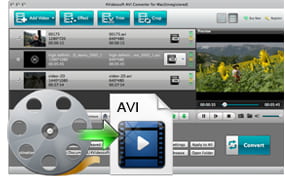
AVI Converter for Mac is the especially designed video converter to AVI for Mac users, which provides the best solution to convert any popular video including MP4, WMV, MXF, MTS, M2TS, MOV, 3GP, FLV, SWF, etc. to AVI video and some other video formats with zero loss video quality. The converted video can be transferred to BlackBerry, Xbox, PSP, PS3, Wii, iRiver, Sansa, etc. for watching everywhere you go. This wonderful Mac AVI Converter support batches conversion to convert several video files with one conversion so as to save you much valuable time. Also you can use this program to extract audio from video and then convert to music MP3, AAC, WMA, etc.
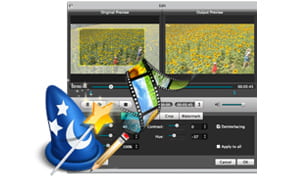
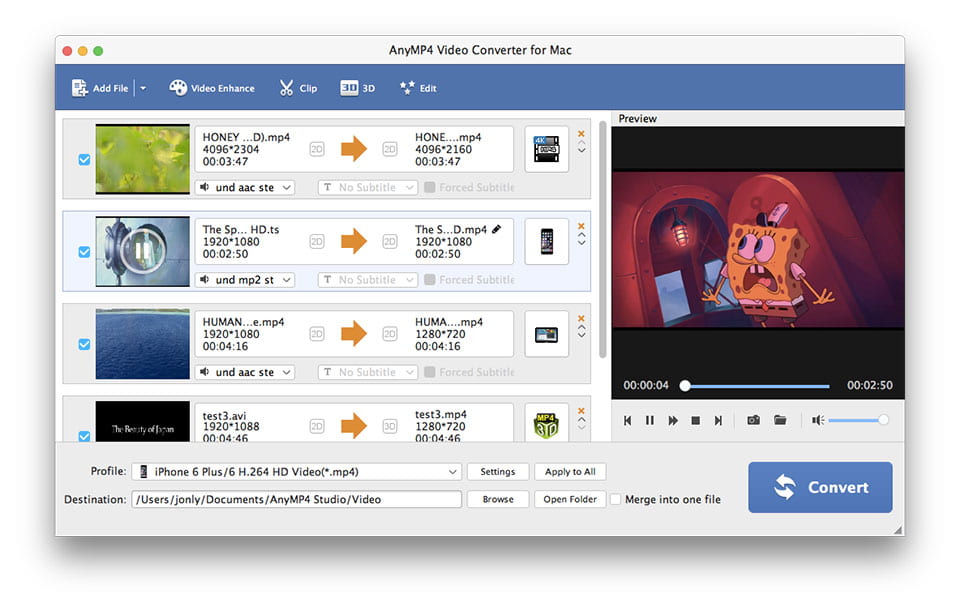
Sometimes you want to change the effect of the source video to output a customized AVI video, AVI Converter for Mac can help you with its powerful editing features. It enables you to crop the video black edges and trim video clips from the source video. Also you can use this Mac AVI converting software to adjust the video brightness, contrast, saturation, volume and hue, merge several video files together into one and append text/image watermark for your preference. The real-time preview window lets you see clearly the comparison between original video and converted AVI video.
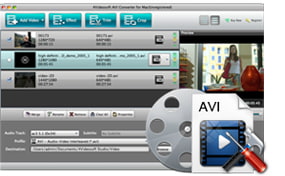
The AVI video converter for Mac gives you useful video and audio parameters like Video Encoder, Frame Rate, Resolution, Aspect Ratio, Video Bitrate, Audio Encoder, Sample Rate, Channels and Audio Encoder, which can help you further optimize the output AVI video. As for the Aspect Ratio and Resolution, you can input the value on your own.
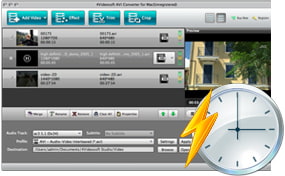
As the user-friendly program, this Mac 3GP Video Converter provides the intuitive and graphic interface as well as simple video to AVI converting steps. Four interface languages meets the need of users from different language regions. Moreover, Video Converter for Mac can help you convert all videos to AVI in super-fast speed and lossless quality.
Screenshot
Our Users Are Also Downloading
 Video Converter Ultimate for Mac
Rip homemade DVD and convert videos to other formats on Mac.
Free Download Buy Now DVD Creator for Mac
Provides the best solution to convert any video format to DVD disc, DVD folder and ISO file on Mac.
Free Download Buy Now Blu-ray Player for Mac
Play Blu-ray movies including Blu-ray discs, Blu-ray folder and ISO file on Mac.
Free Download Buy Now